The first piece of wedding stationery your guests will receive isn't your invitation — it's your save-the-date. And by the time they get it, three things should already be true: your venue is booked, your date is real, and you genuinely know roughly who's invited.
That last part is where most couples slip. Save-the-dates are essentially commitments — once a guest gets one, they expect a formal invitation to follow. Sending to "maybe" guests creates awkward conversations later when they don't make the formal list.
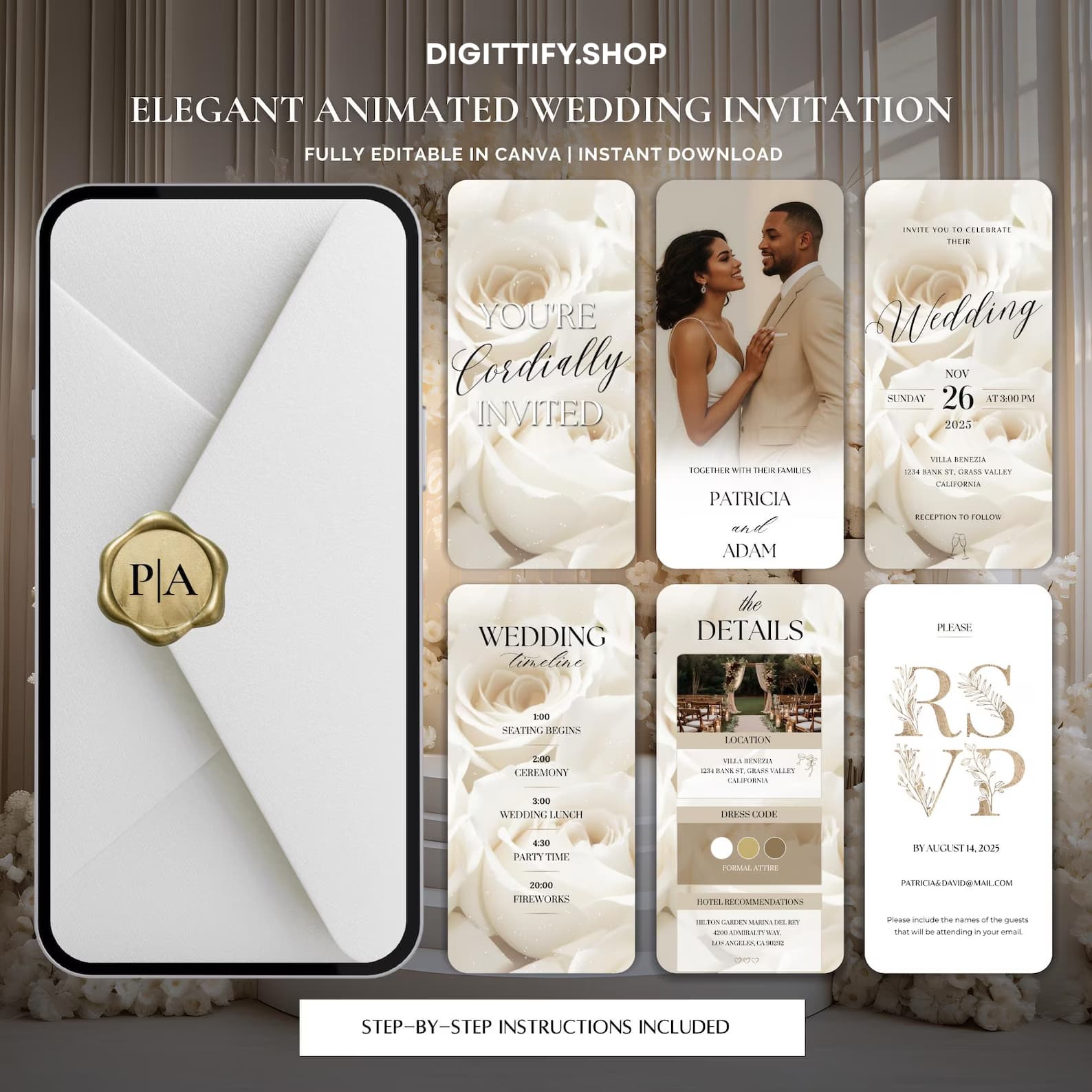
This guide covers the 2026 rules: when to send, what to include (and what to skip), how to choose between digital and printed, and 8 animated examples for every wedding aesthetic. By the end, you'll have a clear timeline and the confidence to send your save-the-dates this weekend.
When to send save-the-dates (the only timeline you need)
The rules carried over from paper save-the-dates — they didn't change with digital:
| Wedding type | Send save-the-date | Send formal invitation |
|---|---|---|
| Domestic, urban | 6-8 months before | 6-8 weeks before |
| Domestic, semi-rural | 7-9 months before | 8-10 weeks before |
| Destination (within country) | 8-10 months before | 10-12 weeks before |
| Destination (international) | 10-12 months before | 12-16 weeks before |
| Holiday weekend wedding | 9-12 months before | 8-10 weeks before |
| Long-weekend wedding (3+ days) | 10-12 months before | 12-14 weeks before |
The pattern: the further away your guests have to travel and the more they have to plan, the earlier they need to know.
The exception you'll see online but should ignore: some bloggers recommend save-the-dates 12 months out for ALL weddings. This is excessive for urban weddings where guests don't need to book flights. It also creates 12 months of "are you ready for the wedding?!" conversations you don't need.
One real concern with 2026 timing: if you're getting married in popular destination wedding months (May, June, September, October in 2026), and your venue is Tuscany / Mallorca / Mexico — you genuinely need 10-12 months. These regions hit capacity for hotels and flights faster than couples expect.
What to include on your save-the-date
The 4 must-haves:
- Your names (first names usually; full names if formal)
- The wedding date (full date — month, day, year)
- The city or region (not the exact venue address yet)
- "Formal invitation to follow" — this phrase or a variation. It tells guests this isn't the actual invitation; details are coming.
The 4 nice-to-haves:
- A wedding website URL (helpful but optional)
- A subtle indication of the wedding's vibe (formal vs casual, destination vs local)
- An engagement photo if you have one you love
- A hashtag (optional and increasingly less common)
What to leave OFF (these confuse guests at the save-the-date stage):
- The full venue address (saved for the formal invitation)
- Dress code (saved for the formal invitation)
- RSVP details (your save-the-date doesn't get RSVPs)
- Detailed schedule (saved for the wedding-day card)
- Plus-one rules (saved for the formal invitation)
- Gift registry information (NEVER — this is etiquette rule #1)
“The biggest mistake I see on save-the-dates is putting the registry URL. It signals "we want gifts" before the guest has even committed to attending. Wait until the formal invitation, and even then, put it on the wedding website, not the card.
”
Digital vs printed: the 2026 math
The cost comparison for save-the-dates specifically (these are the same numbers we broke out in the full cost analysis):
| Path | Cost (100 guests) | Time to send |
|---|---|---|
| Printed magnet save-the-date | $180-300 | 4-6 weeks |
| Printed card save-the-date | $120-220 | 3-5 weeks |
| Animated digital save-the-date | $9.99-19.99 | 5 minutes |
| Animated digital + 5 printed for grandparents | $25-50 | 5 minutes + one print run |
The cost gap is wider for save-the-dates than for formal invitations because save-the-dates are simpler (no RSVP card, no envelope inserts). Most of the print premium goes to thicker cardstock, magnetic backing, or postage.
The strategic argument for digital save-the-dates: you'll send a formal invitation in 4-6 months anyway. Spending $200 on something that gets discarded in a month makes less sense than spending $20 on a video that lives in your guests' camera rolls.
The case for printed save-the-dates: if you want a physical wedding planning ephemeral object — a magnet on the fridge, a card on a corkboard — that physically reminds guests for 6+ months. This is genuine value, but cheaper alternatives exist: print just 10-20 magnets for the most important people, send digital to everyone else.
8 animated save-the-date aesthetics for 2026
Each style with its target couple and pairing notes:
1. Botanical minimalist
A single eucalyptus stem on cream paper. Soft gold typography. Negative space generous enough to feel intentional. The default 2026 aesthetic.
Pairs well with: Garden weddings, vineyard weddings, anywhere "calm and intentional" is the vibe.
2. Editorial photography
Your best engagement photo with subtle text overlay. Minimal graphics. Lets the photograph carry the emotional weight.
Pairs well with: Couples whose engagement shoot turned out great. Modern weddings without strong floral themes.
3. Watercolor illustrated
Hand-painted watercolor wash background — soft blush, sage, or champagne. Calligraphy script for names. Feels like an English garden party.
Pairs well with: Country house weddings, cottagecore aesthetics, smaller weddings (30-60 guests).
4. Dried palm Mediterranean
Olive branches, dried palm fronds, terracotta accents. The aesthetic of Tuscan and Provence destination weddings.
Pairs well with: Destination weddings in southern Europe. Italian, Spanish, or Greek venues.
5. Cinematic film teaser
A 20-second video that feels like a movie trailer — your engagement footage, music swelling, names appearing in motion. The most-engaging format but also the most produced (often requires real engagement video footage).
Pairs well with: Couples with great engagement video. Younger demographics. Instagram-aesthetic-forward couples.
6. Pressed-flower vintage
Pressed real flowers as if from a botanical archive. Sepia tones. Vintage typography. Feels like an heirloom.
Pairs well with: Heritage venues, family-history-focused weddings, second weddings, vow renewals.
7. Single peony
A single oversized peony as the only visual element. Almost no other graphics. The peony does all the talking.
Pairs well with: Spring weddings (May/June), feminine-aesthetic-forward weddings, smaller intimate guest lists.
8. Editorial typography
No image. Just stunning typography — Cormorant Garamond, Italianno script, large-format type as the entire design. The most modern and minimalist.
Pairs well with: Architecturally-styled venues, urban weddings, couples in design or fashion.
See your aesthetic come to life.
Every Digittify save-the-date template ships in 5+ palette variations. Open one, type your names, watch it animate — five minutes to see your wedding feel real.
How to actually send a save-the-date digitally
The end-to-end flow for 2026 couples sending digital save-the-dates:
Step 1: Pick a template that matches one of the 8 aesthetics above.
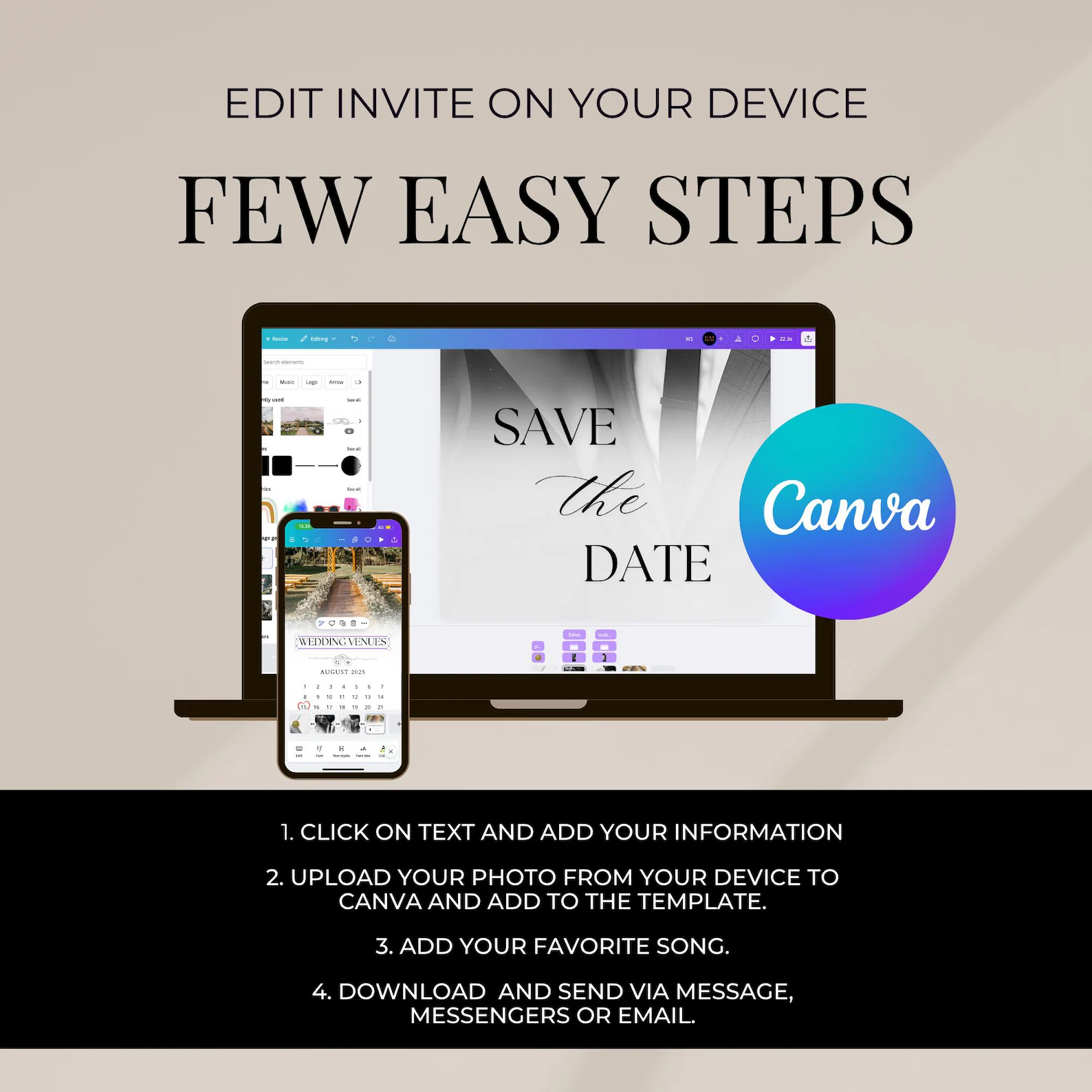
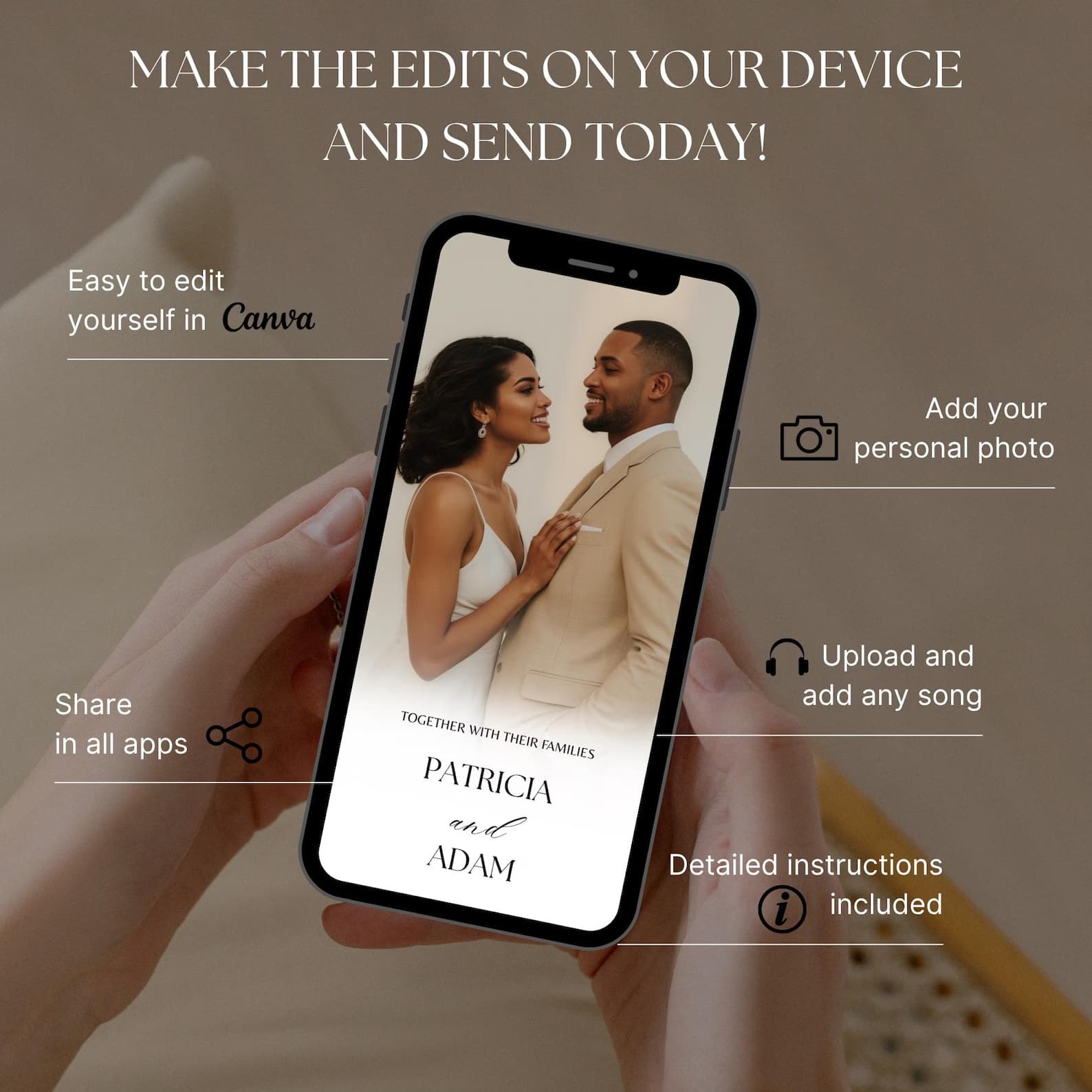
Step 2: Personalize in Canva (or whatever editor your template uses). Drop in names, date, city, engagement photo. Total time: 3-5 minutes.
Step 3: Export as MP4 (HD, 15-30 seconds) or animated GIF for older Android phones.
Step 4: Build your guest WhatsApp group OR use email broadcast. The two main delivery paths:
- WhatsApp groups — create a "Sarah & Daniel: Wedding" group, add your guests, post the video. Guests can react with emojis, ask questions, see who else is invited (good for building anticipation).
- Email broadcast — BCC your guest list, send the MP4 attached or via a streaming link. Better for guest lists where some don't use WhatsApp.
Step 5: Send a non-WhatsApp version to the holdouts — older relatives who text but don't WhatsApp. Use iMessage, SMS, or printed magnet for these 5-10 people.
Step 6: Direct guests to your wedding website in the message accompanying the video. Something like: "Save April 18, 2026 — formal invitation in March. Details at sarahanddaniel.com."
That's it. The whole thing takes 30 minutes including building the WhatsApp group.
Save-the-date etiquette: 6 rules
Even in 2026, etiquette rules carry social weight. The 6 that still matter:
-
Never send a save-the-date to someone you're not 100% sure you're inviting. Once they have it, they expect the invitation. Backpedaling is awkward.
-
Don't list a registry on the save-the-date. Wait until the formal invitation (and even then, put registry info on the website, not the card).
-
Don't include "+1" indicators on save-the-dates. Plus-one rules are figured out closer to the formal invitation. Save-the-dates are addressed to the named individual.
-
Match formality to the rest of your wedding. A barn wedding with a $1,000 letterpress save-the-date sends a confusing signal. So does a black-tie wedding with a casual emoji-filled WhatsApp invite.
-
Don't apologize for going digital. No "sorry we're not doing paper this year." Just send the beautiful animated invitation confidently.
-
Save-the-dates don't get RSVPs. If a guest replies, just thank them and tell them the formal invitation is coming.
Frequently asked
- When should you send save-the-date invitations?
Send save-the-dates 6-8 months before a domestic wedding and 9-12 months before a destination or international wedding. The earlier guests know, the more likely they can attend — but earlier than 12 months is generally excessive.
- What should be included on a save-the-date?
Four must-haves: your names, the wedding date, the city or region, and the phrase 'formal invitation to follow.' Optional adds: wedding website URL, engagement photo, and a hint at the wedding's vibe (formal, casual, destination). Do NOT include registry information, dress code, or the venue's full address.
- Are digital save-the-dates acceptable in 2026?
Yes — digital save-the-dates are now socially accepted for most weddings. They're particularly common for couples with international guest lists, time-compressed planning, or budget priorities elsewhere. For highly formal or traditional weddings, paper save-the-dates remain the norm; for everything else, digital is the 2026 default.
- Do you need to send save-the-dates if you're getting married soon?
If your wedding is less than 4 months away, you can skip save-the-dates entirely and go straight to formal invitations. Save-the-dates exist to give guests advance notice — at less than 4 months, the advance-notice purpose is moot. Save the budget for the formal invitation.
- Can you send save-the-dates by text or WhatsApp?
Yes — animated digital save-the-dates sent via WhatsApp, iMessage, or email are increasingly standard in 2026. The key is sending a designed video (15-30 seconds, polished aesthetics) rather than a plain text message. Plain texts feel undersigned for a wedding; animated videos feel intentional.
What to do this week
If your wedding is 6-12 months out and you don't have your save-the-dates sent yet:
- Pick your aesthetic from the 8 above (most couples land on #1, #2, or #4)
- Open a Digittify save-the-date template — comes in the Couple Bundle
- Personalize in 5 minutes — names, date, city, engagement photo
- Build a WhatsApp guest group and send tonight
Your guests will start planning to be there tomorrow — and your wedding will start feeling real.
Send your save-the-date by tonight.
The Couple Bundle includes a matching Save the Date + RSVP card + main Invitation in one animated suite. Same aesthetic across all 3 pieces. Edit in 5 minutes.