You don't need a designer to make beautiful wedding invitations. You don't need Adobe Illustrator, you don't need to know what a "bleed margin" is, and you certainly don't need to spend $400 at Minted.
You need Canva, 30 minutes, and a template that's already 80% of the way there.
This is the honest, no-fluff guide to do it yourself wedding invitations in 2026 — covering everything from picking a template, to editing it in Canva, to actually getting it into your guests' hands. By the end you'll have a finished invitation, in your colors, with your photos, ready to send by WhatsApp or print at home.
Why Canva is the best tool for DIY wedding invitations
There are three honest reasons Canva won the wedding stationery DIY space:
- It runs in your browser. No download. Works on a $300 Chromebook the same as a $3,000 MacBook.
- Free tier is genuinely useful. Most invitation templates use fonts and elements that are free.
- The export quality is real. A Canva PDF prints just as crisply as one designed in Illustrator, and the MP4 export plays beautifully on iPhone, Android, WhatsApp, and email.
The catch with the free Canva templates is that 100,000 other couples are using them too. If you want something that looks yours — not "I recognize this template from my cousin's wedding" — you need a paid template or 30 extra minutes of customization. We'll cover both paths below.
Step 1: Pick your template
Two options. Both work.
Option A — Free Canva templates. Search "wedding invitation" inside Canva. Filter by Free to avoid Pro-only assets. You'll see a few hundred designs. Pick one with a clean center layout (most flexible for editing).
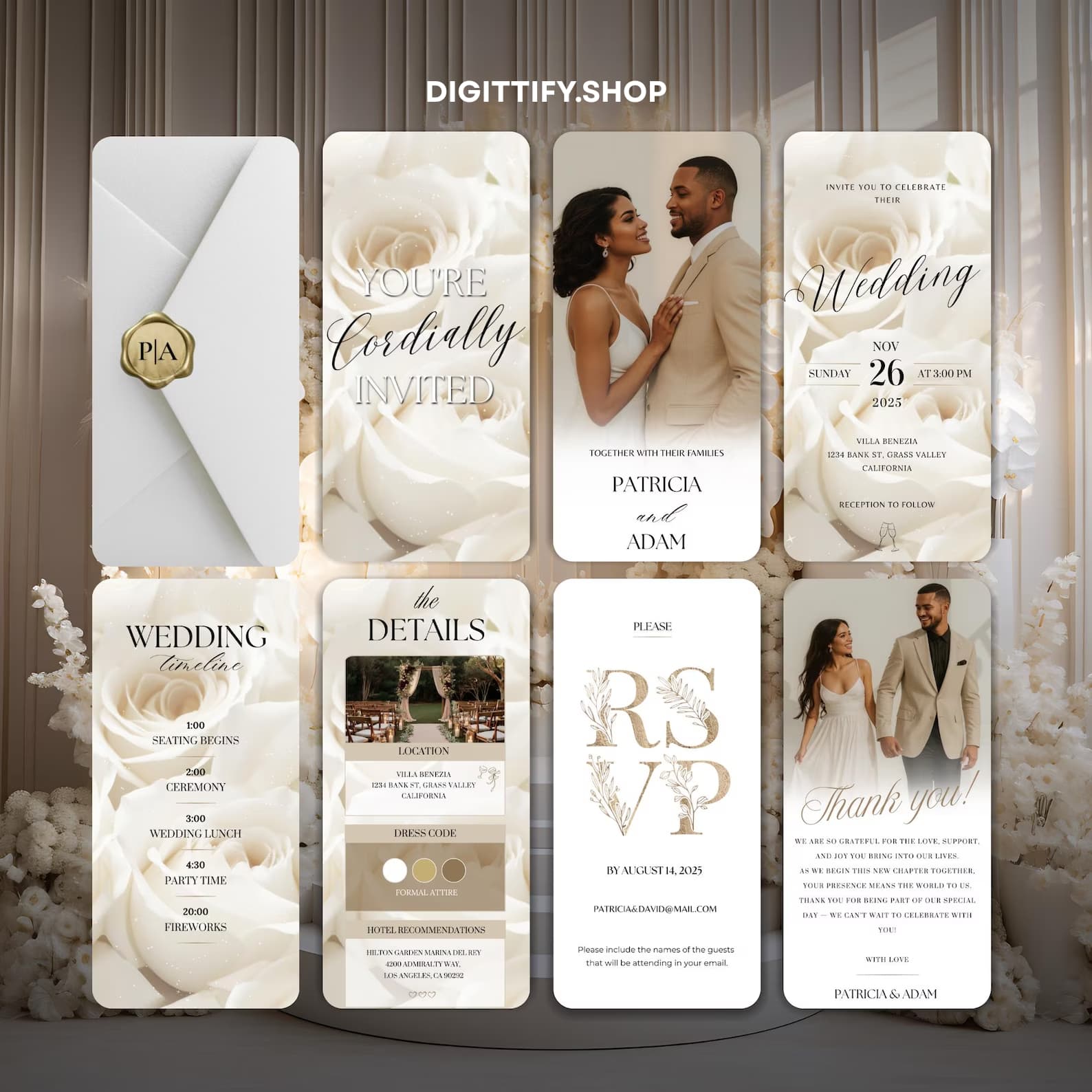
Option B — Paid template ($15-50 across the market; ours is $19.99). Etsy, Creative Market, and stationery studios (like ours) sell templates that load into Canva via a one-click link. The advantage: they're designed to be edited, the fonts are pre-licensed, and the photographic + animated versions are usually included. If you want an animated wedding invitation that sends as a video — paid is the only way.
Step 2: Swap the placeholder text
Once your template is open in Canva:
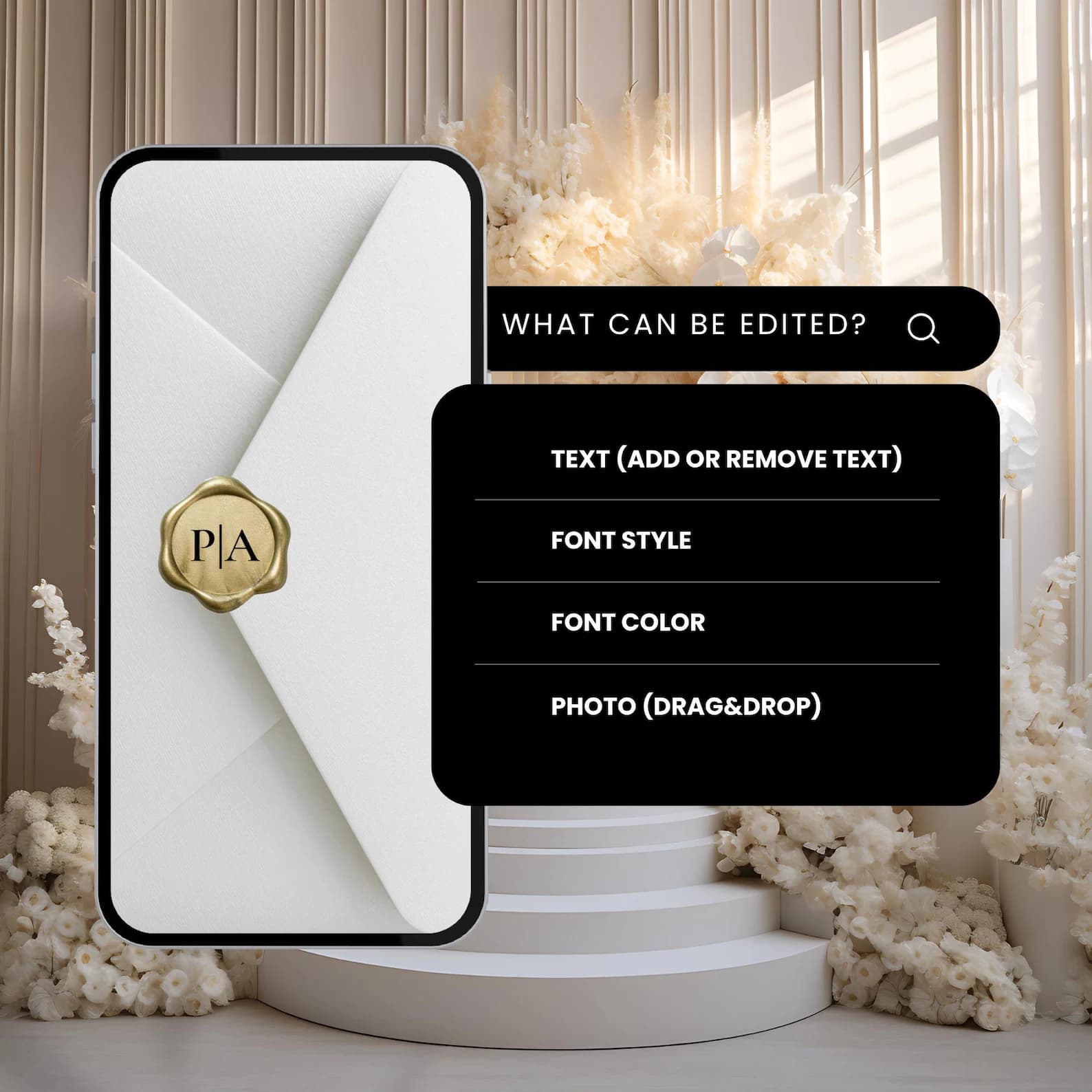
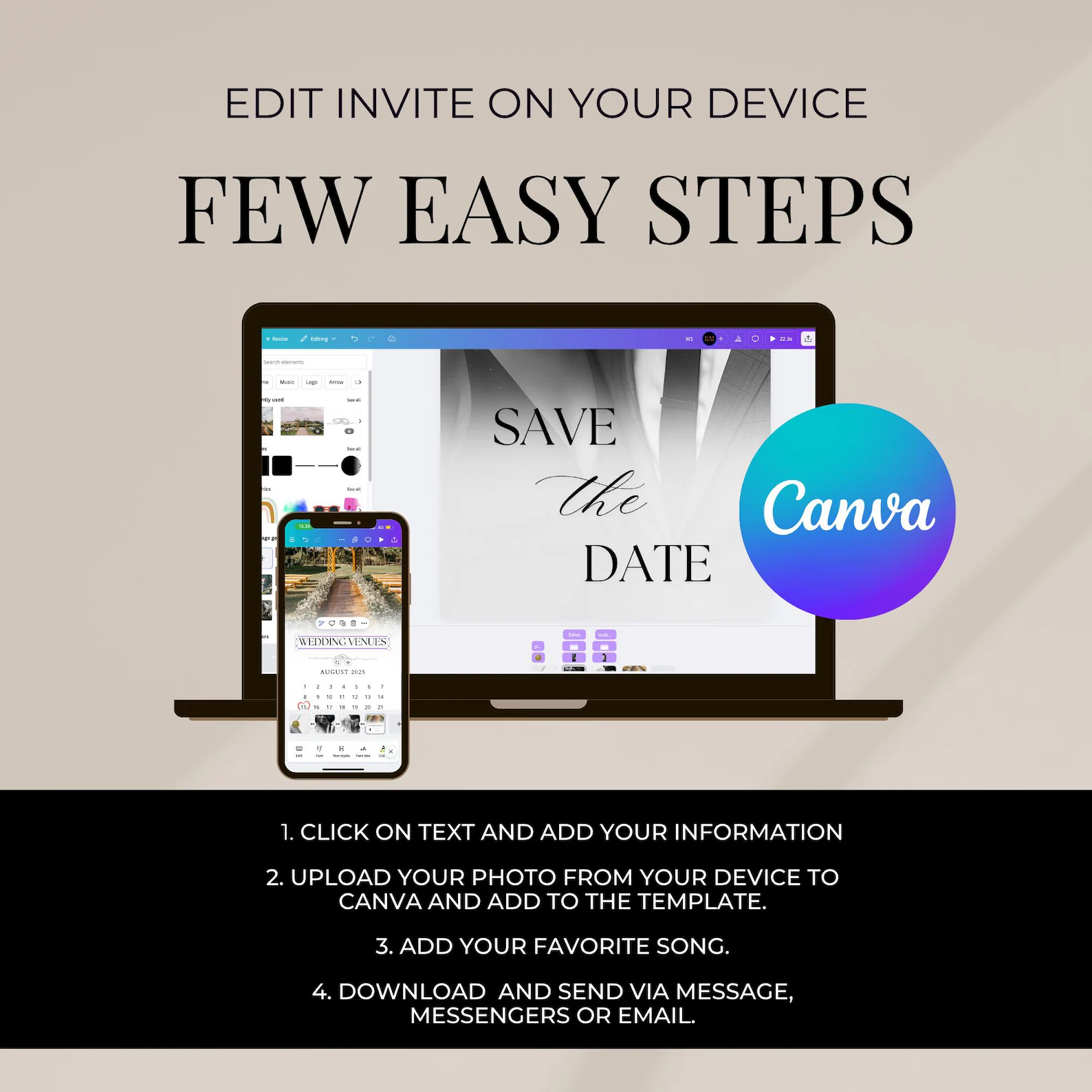
- Click any text field. It becomes editable.
- Replace placeholder names with your names. Keep the same line breaks — designers spaced them deliberately.
- Update the date, time, venue, dress code.
- Don't change the fonts on your first pass. Get the content in first, then style.
The 5 fields every wedding invitation needs (we go deeper in what goes on a wedding invitation):
- Couple's names
- Wedding date + day of the week
- Ceremony start time
- Full venue address (or "details to follow")
- RSVP method (link, phone, or email)
Step 3: Add your photo (optional but powerful)
A photo makes an invitation read as yours rather than as a template, and it gives guests something to react to when it lands. If your template has a photo placeholder:
- Click the photo placeholder once.
- Drag your engagement photo from your computer onto the placeholder — Canva auto-crops it to fit.
- Click the photo and use Position → Center to recenter it inside the frame.
No engagement photo? A flat-lay of your rings on a textured surface works beautifully. Same goes for a meaningful object (a flower pressed in a book, an heirloom locket).
Step 4: Tune the colors
Even a $40 template can look generic if everyone uses the default palette. Spend 5 minutes here:
- Open Canva's Styles panel (left sidebar).
- Pick a palette that complements your wedding flowers/venue.
- Click "Apply to all pages" so the palette propagates everywhere.
Botanical wedding? Earthy sage + cream + dusty gold. Beach wedding? Sand + pale terracotta + ivory. Black-tie city wedding? Deep navy + champagne + warm white. Avoid pure black + pure white — it always reads as a corporate slide, not a wedding.
Step 5: Export — MP4, PDF, or both
This is where DIY wedding invitations become real:
- Digital send (WhatsApp, email, iMessage): export as MP4 (15-30 second video) or PNG (still image). Canva → Share → Download → Video MP4 for animated templates, or PNG for stills.
- Print at home: export as PDF Print at A6 or A5 size. Use a heavyweight matte cardstock from Amazon (250-300 GSM). Most home printers handle this fine.
- Professional print: export as PDF Print, send to Vistaprint, Moo, or Shutterfly. Costs ~$1.50-3.50 per finished invitation including envelope (much cheaper than a luxury stationer's $5-12/unit).
Common DIY mistakes (and how to avoid them)
1. Using too many fonts. Two fonts maximum: one for names/headers, one for body text. Three or more turns it into a yard-sale flyer.
2. Center-aligning everything. Center is for couple's names and date. Body text (address, dress code, RSVP) reads better left-aligned or in a two-column layout.
3. Skipping the proof step. Before you send to 80 guests, send to one trusted friend. They'll catch the typo your eyes have slid over for the last hour.
4. Sending too late. Digital invitations: 6-8 weeks before. Physical: 10-12 weeks (printing + mail). Save the dates: 6-9 months out — see our save the date timing guide.
FAQ: DIY wedding invitations in Canva
Frequently asked
Yes — Canva's free tier includes hundreds of free wedding invitation templates and the export tools you need (PNG, PDF, MP4). You'll just have a smaller selection of fonts and elements than Canva Pro. Most couples find a free template that works for them.
With a paid template that's already designed: 15-30 minutes per finished invitation. With a free Canva template you're customizing heavily: 1-2 hours including font + color tuning. From scratch: 4-8 hours, and you'll usually end up wishing you'd just bought a template.
Not at all — the era of "must be engraved by Crane" wedding etiquette is over. As long as your invitation includes the essentials (names, date, time, venue, RSVP), is legible, and matches the formality of your wedding, your guests won't think twice about who made it. Most couples DIY at least one part of their stationery suite.
Yes. Export as PDF Print at A6 or A5 size, buy 250-300 GSM matte cardstock from Amazon or Staples, and print on any home inkjet or laser printer. The finish won't match a letterpress, but the readability and color quality are excellent.
Ready to start?
If you want the easy path — a fully animated, fully editable template designed by stationers (not auto-generated by AI) — start with our animated wedding invitation templates. $19.99 gets you the file, the Canva link, and a 24-hour guarantee. Edit it tonight, send it tomorrow.